PowerBridge® In-Wall Power Outlet Extension System | Professional Engineered Solutions for Wall Mounting LCD, Plasma Flat Screen - Flat Panel - Projection HDTV

Innovative Custom Audio Video Installation Products | Recessed AC Electrical Power Wall Plates HDMI High Definintion Studio Quality HD Cables for Home Theater


Home

About PowerBridge

FAQ

PowerBridge Products

TotalSolution Kits

SingleSolution Kits

UltraSlim Mount Solution

AV Cables

AV Wall Plates

CableConnect Inserts

Where To Buy

Special Offers

Installation

"How To" Info

Professional Installation

Info

Buy Direct

Comments

Specs/Warranty

Press/News

Contact US

Install/Reseller Inquiry

Authorized Distributors

Distributor Inquiry

Mastec Sign In

PowerBridge Recessed In-Wall A/C power outlet receptacle extension wire cord system for LCD Plasma HD HDTV on wall mounting for hiding cables inside wall for professional installation or easy safe do it yourself electrical relocation kit
PowerBridge Solution for wall mounting LCD Plasma HDTV Electrical power extension in the wall concealed wires cords recessed outlet to meet NEC code
Installation in-wall power extension wire cables concealed for wall mounted plasma lcd led flat screen panel hdtv
PowerBridge In-Wall Power extension for on wall mounted LCD Plasma LED HDTV
Easy to install electrical power extension in wall hidden cables for wall mounting hd tv plasma tv flat screen led home theater front projector systems
PowerBridge In-Wall Power extension for on wall mounted LCD Plasma LED HDTV
Read: How to Run Power to a Wall Mounted TV. Click on engadgetHD Logo
engadgetHD is a web magazine with obsessive daily coverage of everything new in gadgets and consumer electronics. Engadget was launched in March of 2004 in partnership with the Weblogs, Inc. Network (WIN).
PowerBridge In-Wall Power extension for on wall mounted LCD Plasma LED HDTV
wikiHow is a collaborative writing project aiming to build the world's largest how-to manual. Our mission is to provide free and useful instructions to help people solve the problems of everyday life. wikiHow is a wiki, which is a website that anyone can write or edit. You can help us, by editing any page on wikiHow which needs improvement.


Install a Flat Panel TV on a Wall With No Wires Showing


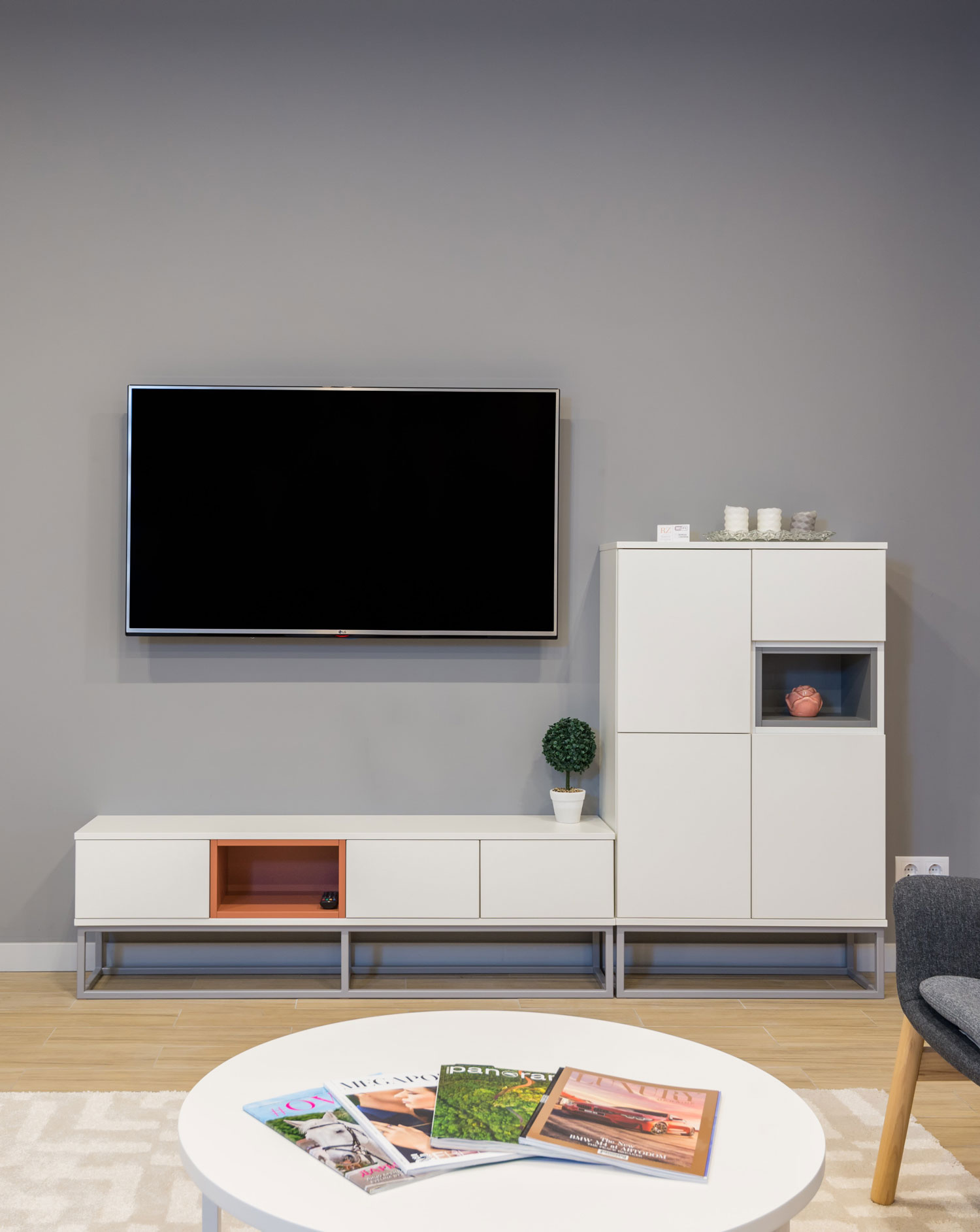
Installing a Flat Panel TV and hiding wires inside of a wall can be easy or very frustrating depending on your level of expertise and patience.


I've installed a number of TV's on the wall and hidden wires. Sometimes it's easy, such as the TV is directly above the AV equipment. Others are much more involved, when say above a fireplace or a location that the TV is going to be offset from the av equipment.

Either way, plan ahead!!!! You will need to determine many things and will need a number of tools.


1) Determine where and how high on the wall. There is no set advice on this; just what is most comfortable for you and the distance where you sit to view TV. If you do mount higher than 5' off the floor, plan on a TILT mount.


2) Use BLUE Painters tape to layout the size of your TV on the wall. Better than marking it up with pen or pencil.


3) You will need a stud finder to determine where your stud framing is located within the wall and use tape to mark those locations. Most homes are built with wood studs 16" centered from another. NOT ALWAYS, but it is a rule of thumb to use.

**If you have metal stud framing, brick, or any other masonry materials on or inside your wall, other than regular drywall, I suggest a professional do this from this point forward as there are special methods to secure safely.


4) CABLES:

Assuming you have purchased your wall mount in advance and have determined the "true" distance between the back of your TV, down the wall to your AV equipment and have purchased the correct av cables to hook up, you can proceed.

Always purchase cables longer than you think you'll need, trust me when I say too short and you'll be redoing everything all over. Rule to this would be if your av equipment is directly below the TV, plan on 8-10' cables, yup, that may seem too long but you'll see... use a string if you have to measure cable length ahead of time.


5) POWER:

Have you considered the AC power outlet to plug your new HDTV into? Most folks don't think about this. This is the most important step. DO NOT RUN THE TV POWER CORD OR AN EXTENSION CORD INSIDE YOUR WALL. Really, it's against all building and the National Electric Code (NEC) if you do.

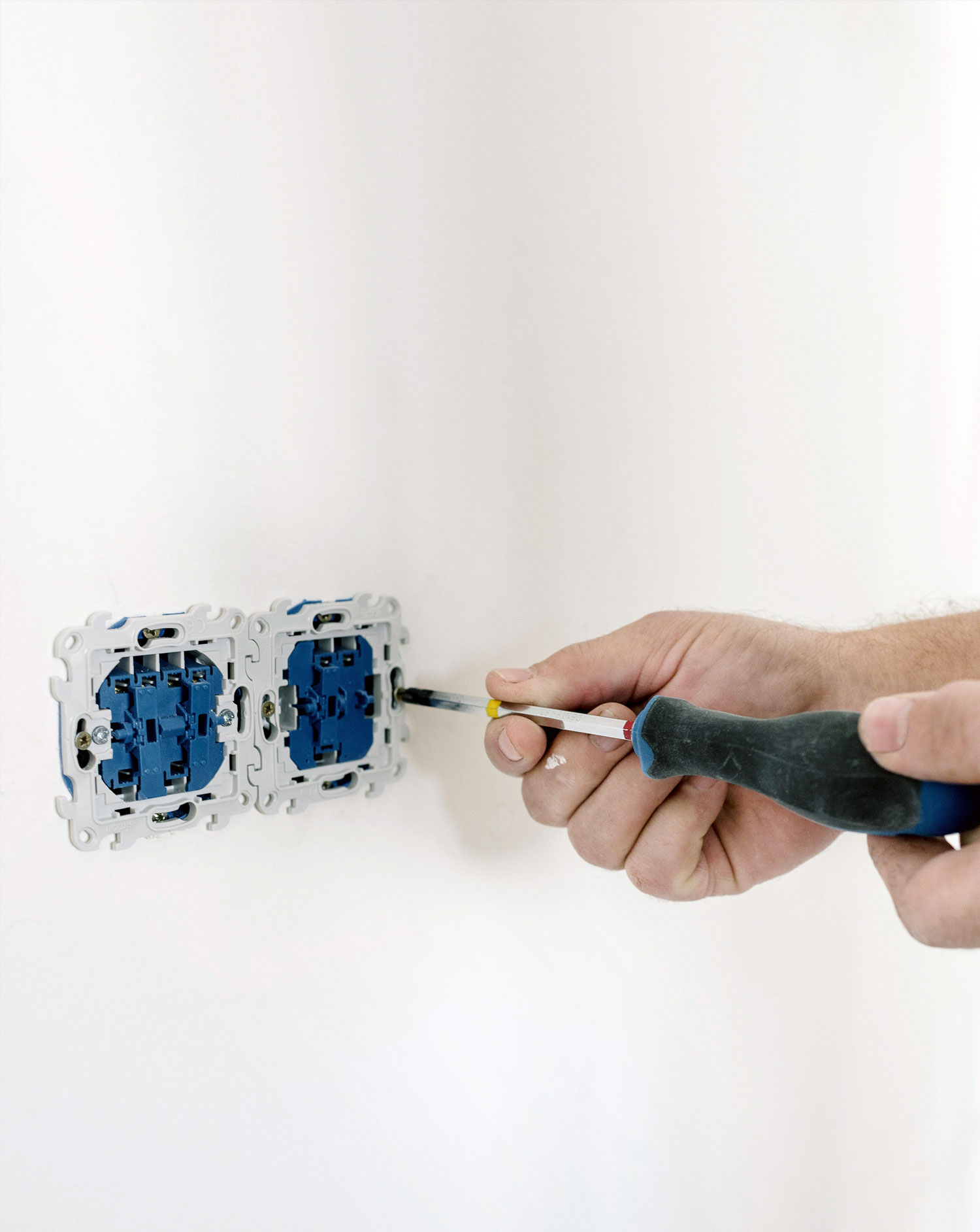
If there is a fire due to an old dried out cord in the wall from your TV, don't plan on your insurance company to cover any damage claim! Either hire an electrician to install an outlet up on the wall, or if you're handy, you can install a special designed outlet yourself, called PowerBridge Solution, very easy to install and you can also plug in to a surge protector to protect the TV, unlike just having a regular outlet installed that can't.


6) Ready set go:

All right you have everything you need, right?

TOOLS you will need:

*Stud finder

*Drill with assortment of bits

*Drywall knife

*Level

*Screw Drivers

*Socket set

*Fish tape or glow rod (Home Depot/Lowes carry these in the electrical dept.)
*Needle nose pliers
*Black electrical tape
*A helper
*A bible and prayer.. (Just kidding!)


7) All wall mounts come with very good instructions as to how to mount the wall mount to the wall and the brackets to the TV, follow those.


8) Hiding the wires:

Every wall and home is different, so what I'm writing here may not be true in your case.

First, using your stud finder, make sure you know exactly where your stud framing is.

Next use your stud finder vertically between the marked studs, up and down the wall to determine there are no obstructions in the wall between the studs, expect fire blocks at approximately 8' off the floor if you mounting that high. Some areas of the country have them lower, so make sure.

Insulation inside the wall is usually no problem just that it can make it more challenging to route the wires.

When you have determined no obstructions, drill or cut a 1-1/2 hole below or next to your wall mount, about 2-3 inches away from the nearest stud. Use a bent coat hanger and insert in the hole and feel around for any obstructions around the hole, if all is good, proceed to drilling/cutting a second hole in line with the hole above.

(If you are running wires away from and not directly below your TV, then step 8b will be you next step.) Use your new fish tape or glow rod and insert in the top hole and run it down the wall to the lower hole, you'll have to use needle nose pliers to grab it through. Once that is done, use black electrical tape to tape the ends of you cables, staggered, to the glow rod/fish tape. Pull back the cables from the top CAREFULLY. If all went well then you have your cables. You can then use a wall plate with a hole drilled out of the middle or just leave the hole open and secure the cables so they don't fall back.


8b) Ok, now this gets more involved and skill is required if you are running cables through stud framing, but here's the trick: Determine where you need to run through the stud and cut away an area of drywall directly over the stud. I recommend a section 8" x 4". Save that piece to use to re-patch later. After you have removed drywall over the stud, use a 1-1/2" bore bit to cut into the stud about an inch an a half deep in. (don't worry too much your not going to make your house fall down) Now run your cables in that new cut out in the stud to the next "bay".

Replace the saved drywall you cut out and use drywall screws above the stud cutout and re-patch with drywall putty and repaint. (No one said this was going to be easy and not allot of work!)


Ok, so that's the basic nuts and bolts of hiding wires in a wall. Good luck!!


http://www.wikiHow.com - The How-to manual that anyone can write or edit


PowerBridge In-Wall Power extension for on wall mounted LCD Plasma LED HDTV
Read: Hang a FLAT PANEL TV by Grant Clauser. Click on logo to E-GEAR Website
PowerBridge In-Wall Power extension for on wall mounted LCD Plasma LED HDTV
PowerBridge In-Wall power extension outlet for wall mounted install lcd plasma led flat screen panel HDTV
sp
About PowerBridge      PowerBridge Products     Installation      FAQ        Authorized Resellers      Total Solution Kits        Single Solution Kits      
Ultra Slim Mount Solution       AV Cables      AV Wall Plates     CableConnect Inserts     How To Info     Specs/Warranty      Comments    
Press News        Special OnLine Offers    Contact Us


PowerBridge Logo and all other image logo Trademarks are registered and all website contents are owned by HD-Products, Inc.
ROMEX® Brand of NM Building Electrical Wire - Trademark is owned by Southwire Company
NEC® National Electrical Code® Trademarks owned by National Fire Protection Association NFPA
All Registered Trademarks, written text and images are protected by the Laws of the United States. ©2007-2010
Questions? Contact us:
customerservice@powerbridgesolution.com
1.303.683.2434 x4101    Monday-Friday 9AM-4PM (MST)

Website powered by Network Solutions®